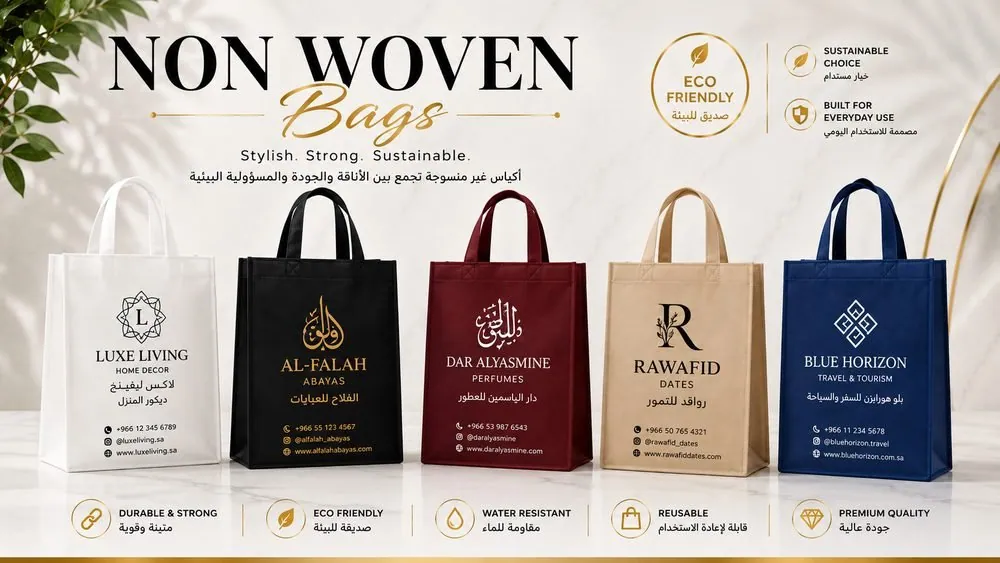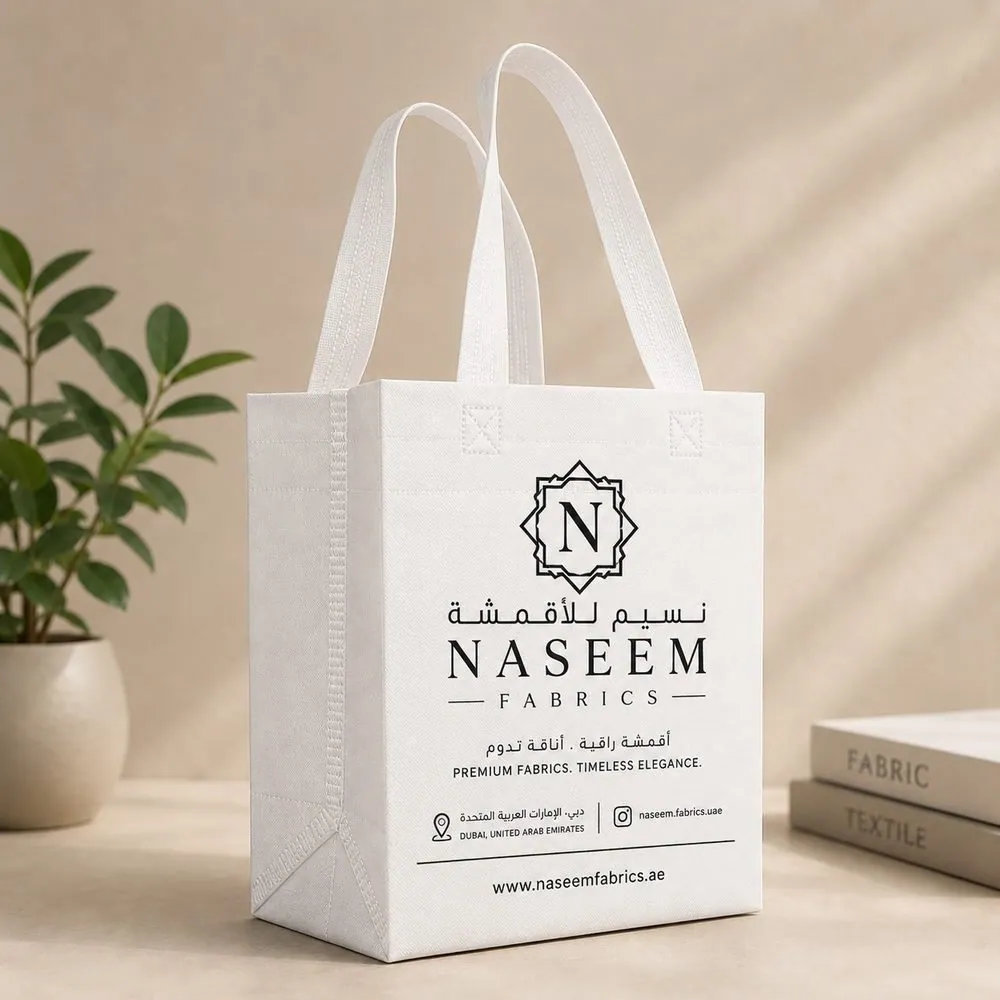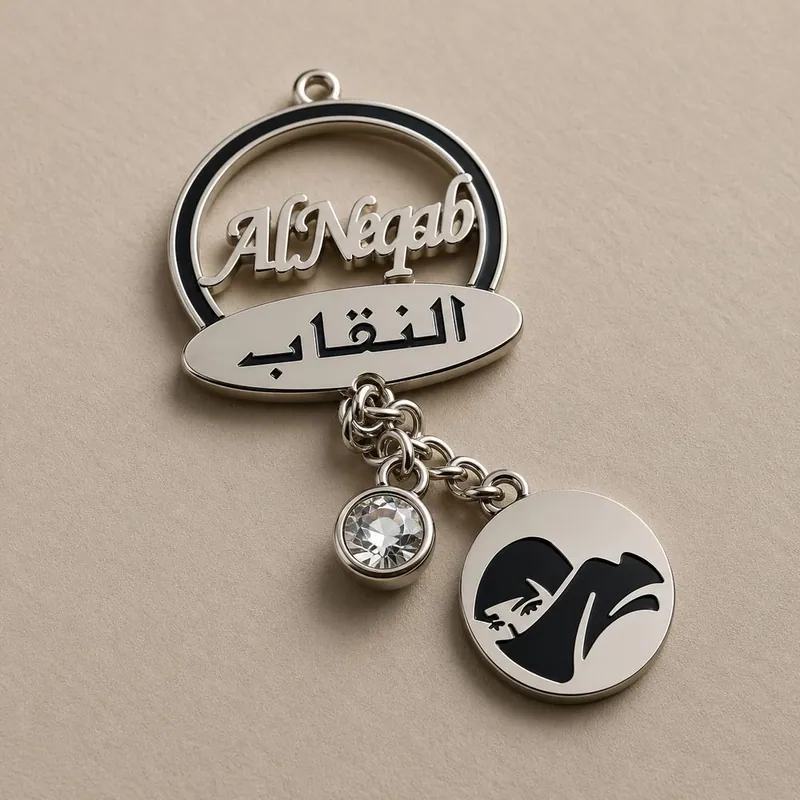
Most print disappointments are born in the artwork file, not in the factory. A logo that looks perfect on your phone can blur, misregister or print in the wrong colour if it arrives in the wrong format. This artwork guide for bag printing is the checklist our own studio works through on every order.
Send vector, think in ink
Vector files (AI, EPS, PDF, SVG) describe your logo as shapes, so they scale to any bag size without losing sharpness. Convert text to outlines so missing fonts never substitute. If all you have is a JPG from a website, tell us early; rebuilding a clean vector is a normal studio task and far cheaper than a fuzzy print run. This applies across the whole branding range, from bag print to woven labels.
Colour: Pantone beats pixels
Screens lie about colour. A Pantone reference is a physical ink standard, so your brand red prints as your brand red on fabric, paper and film alike, this year and on every reorder. Without one, we match by eye to your file and small shifts are possible. If your brand has Pantone references in its guidelines, send them with the logo.
Design for the material
- Bold beats busy. Fine lines under 0.5 pt and tiny text fill in or vanish on fabric.
- Mind the safe area. Seams, gussets and handle stitches eat the edges of the panel.
- Contrast is king. Light ink on dark fabric (or the reverse) reads at walking distance, which is the whole point of a carrier bag.
- Two sides, two chances. Logo on one face, contact details or a message on the other.
The proof is the contract
We return a proof showing the artwork at true size and position. Check spelling, numbers and the logo version slowly; production prints exactly what the proof shows. Method specific notes are in our printing methods comparison. When you are ready, send artwork with the enquiry form and we will confirm it is print ready before quoting.
Frequently asked questions
What file format should I send my logo in?
Vector files are best: AI, EPS, PDF or SVG with text converted to outlines. A high resolution PNG (at least 2000 px wide) works as a fallback for simple logos.
Why do you ask for Pantone colours?
Pantone references let us mix ink to your exact brand colour instead of guessing from a screen, which keeps print consistent across reorders and materials.
Can you print a photograph on a bag?
Yes, via BOPP lamination, which reproduces photographs at full quality. Screen printing suits logos and flat colour art, not photos.
What is the printable area on a bag?
It is the flat panel minus seams and handle zones, and it varies by bag size and style. We mark the exact safe area on your proof before production.